
Download DialcaLink for Android
Turn any Android phone into your personal communication gateway and synchronize SMS messages and call history securely across your devices.
DialcaLink
Local-First SMS & Call Synchronization
Technical Details
Current Version
1.1.4
Package
APK
Download Size
80 MB
Last Updated
July 23, 2026
Minimum Android
8.0
Communication
Local Network
Why Choose DialcaLink
No Cloud Required
Communicates directly between your Android devices without external servers.
Privacy First
Your SMS and call history stay on your own devices at all times.
Actively Maintained
Regular releases with improvements, bug fixes, and new features.
Open Source
Source code is publicly available and developed transparently on GitHub.
Ready to take control of your communications?
Download DialcaLink APKHow to Install DialcaLink
Follow these simple steps to install Dialcash on your Android device
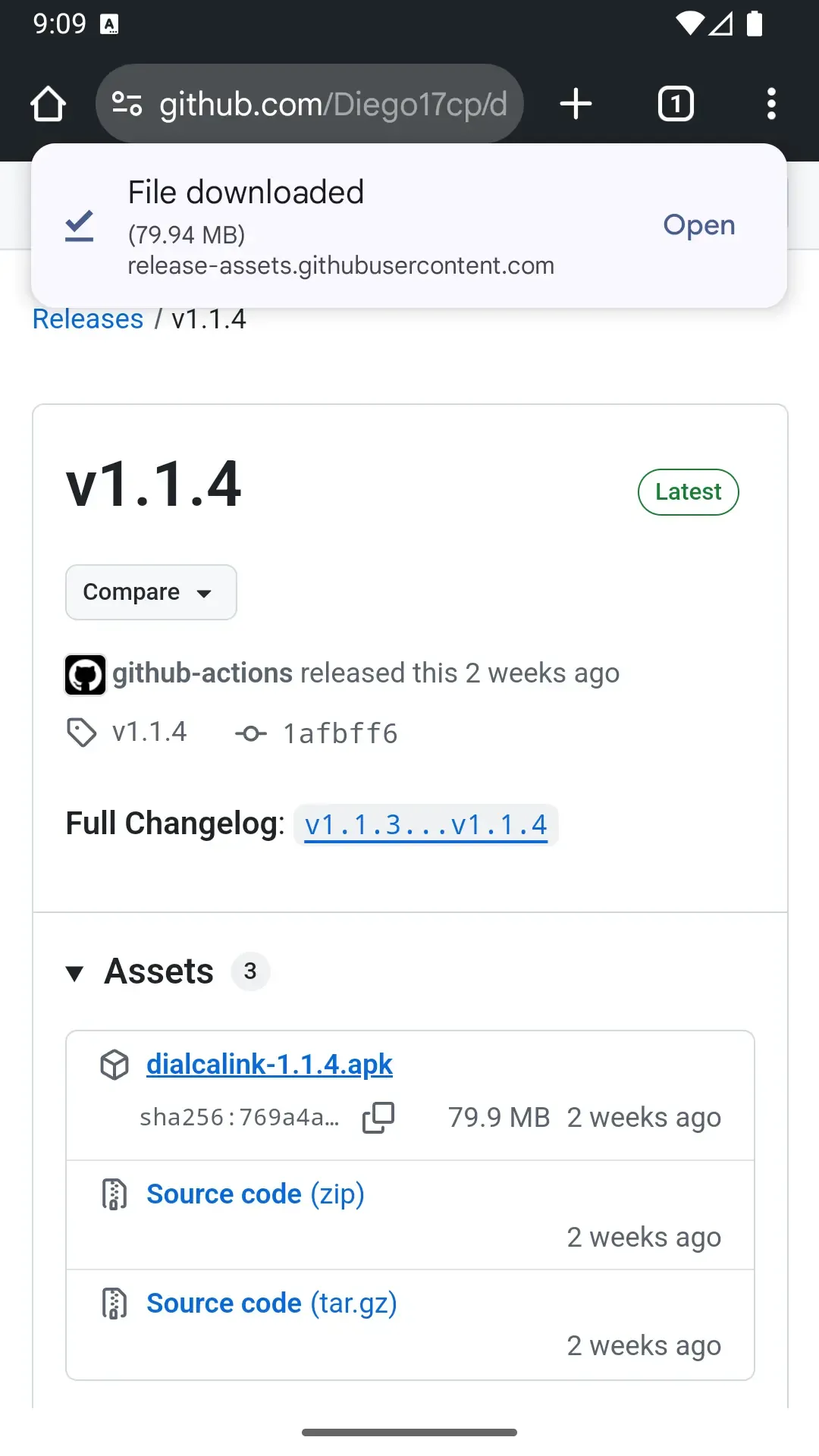
Download the APK
Download the APK file from this page using the button above. In the page that opens, scroll down until you find the 'dialcashV1.apk' link and tap it to start the download.
The download will start automatically. Check your notification bar to see the progress.
Allow External App Installation
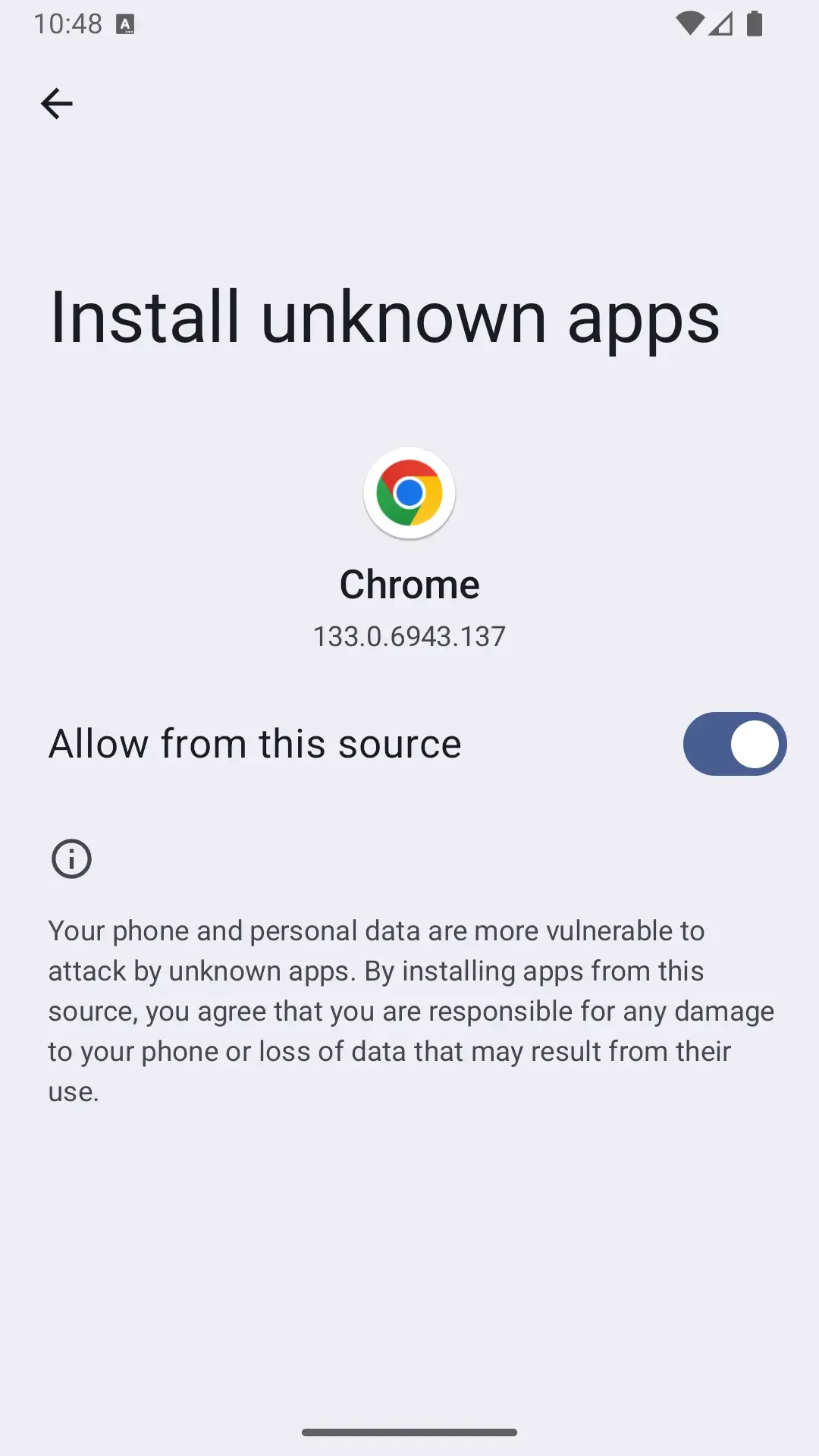
Android will ask for permission to install apps from external sources. You need to enable this option to continue.
Dialcash is not on the Play Store, which is why Android shows this warning. This is a standard security measure.
Google Play Protect (Optional)
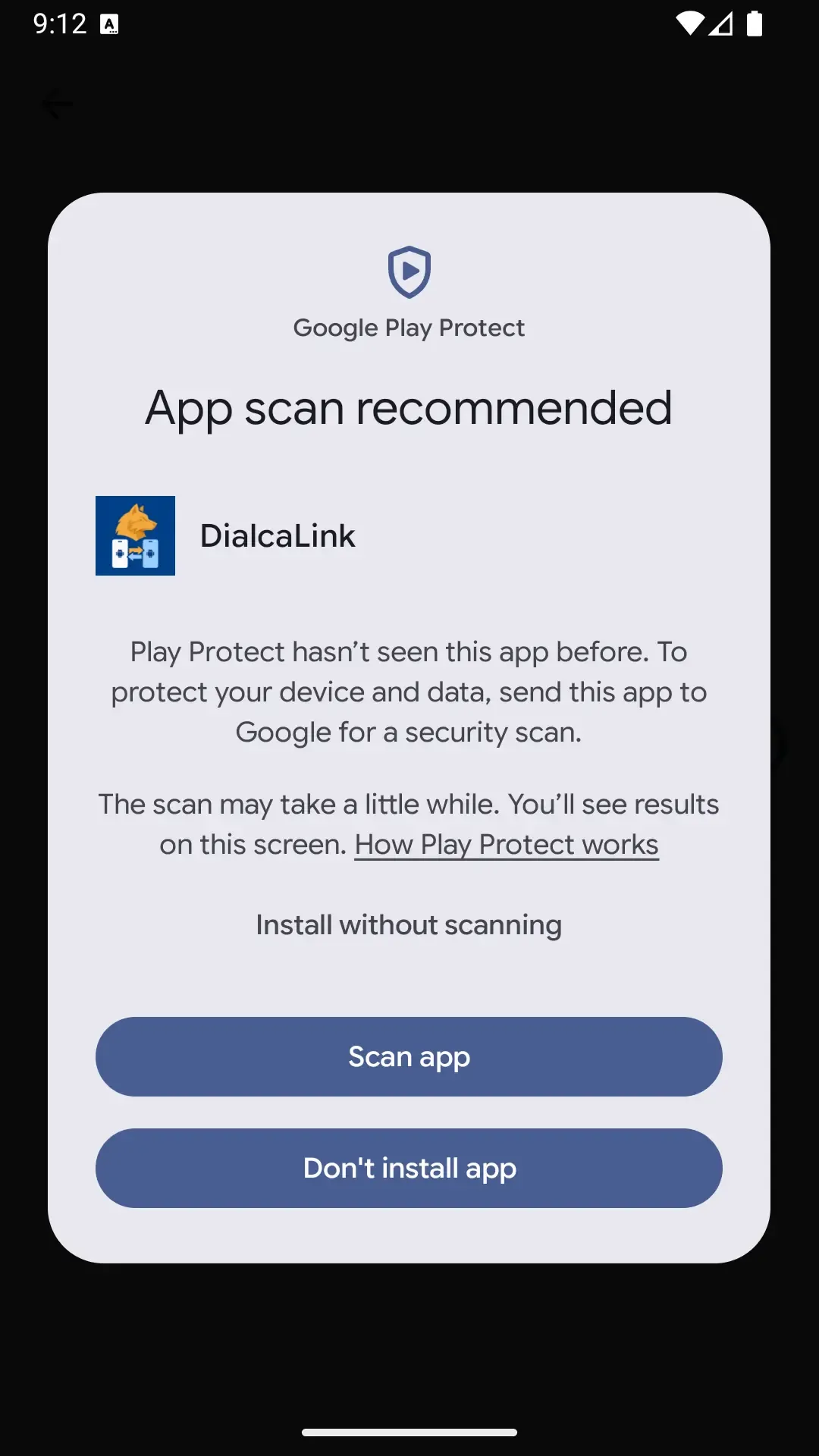
If Google Play Protect appears asking to scan the application, you can either scan it or click 'More details' and choose 'Install anyway' for a faster process (Referencial Image).
This is an optional security scan. Dialcash is safe, but you can scan it if you prefer.
Install the Application
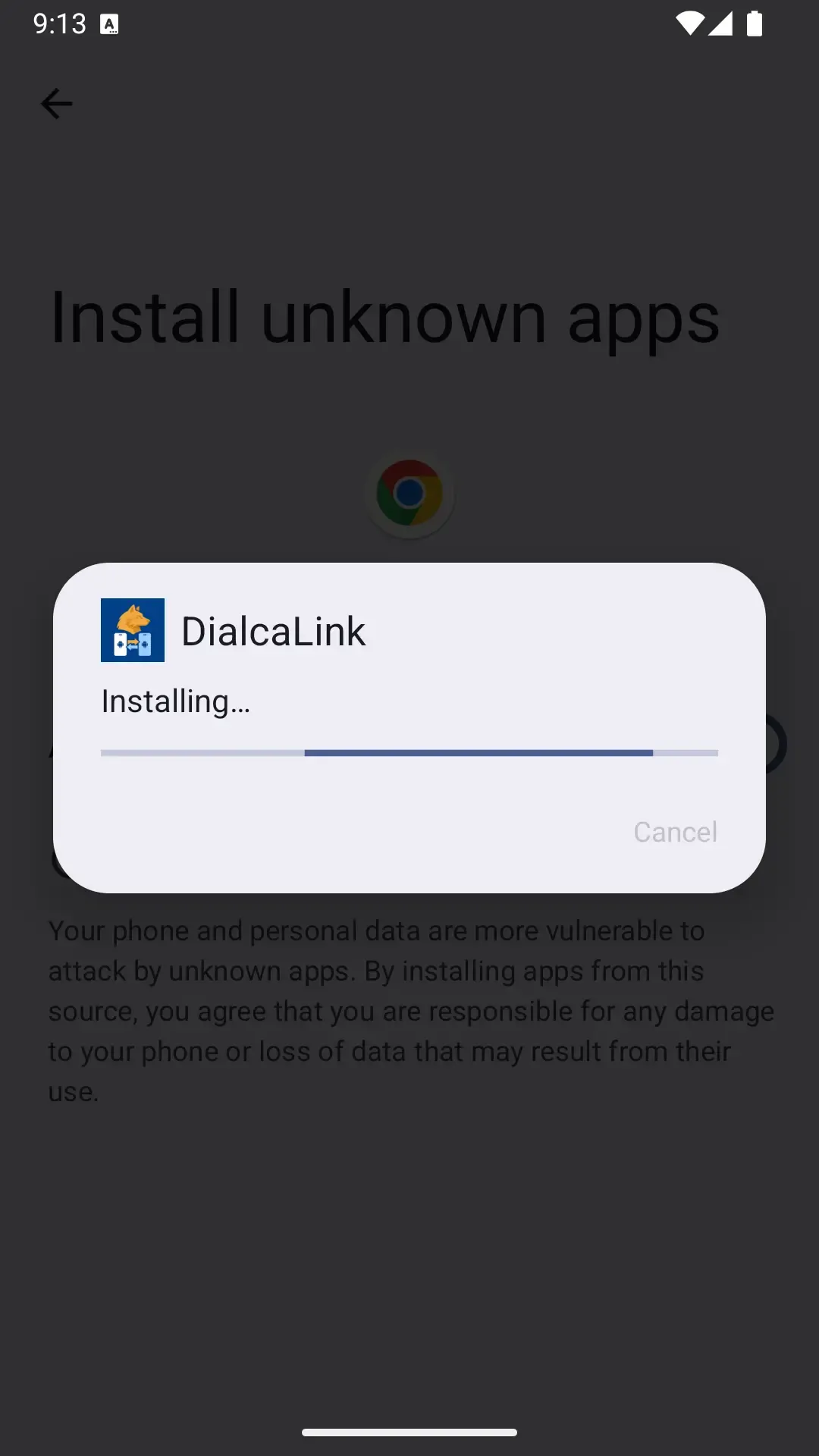
Once you've granted permission, proceed with the installation normally by tapping the 'Install' button.
The installation process typically takes less than a minute.
Open DialcaLink
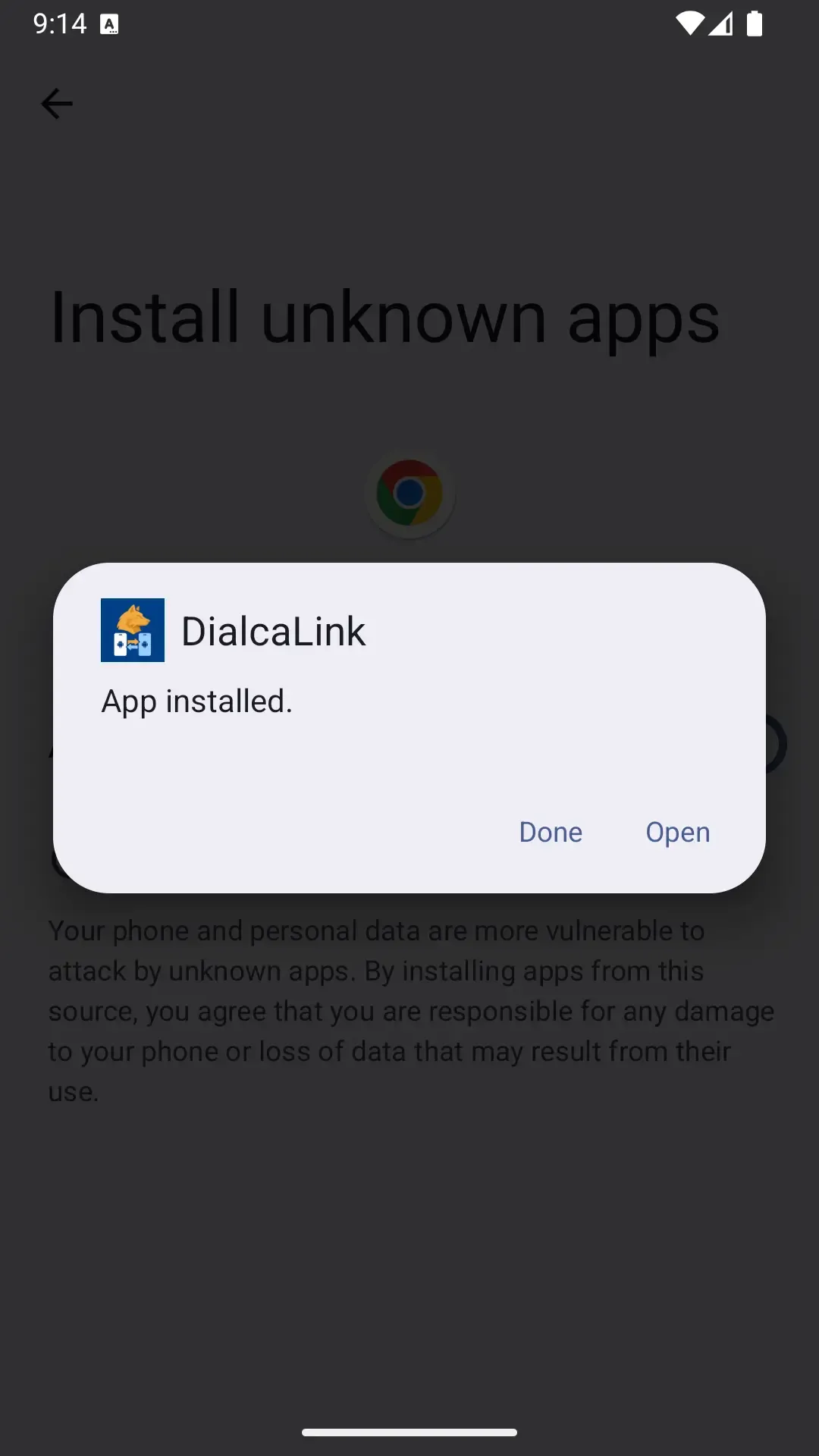
When the installation is complete, tap 'Open' to launch the app and start using it.
You can also find the DialcaLink icon in your app drawer.
Ready to Install?
Download the APK and follow these steps to start managing your finances
Download DialcaLink APK